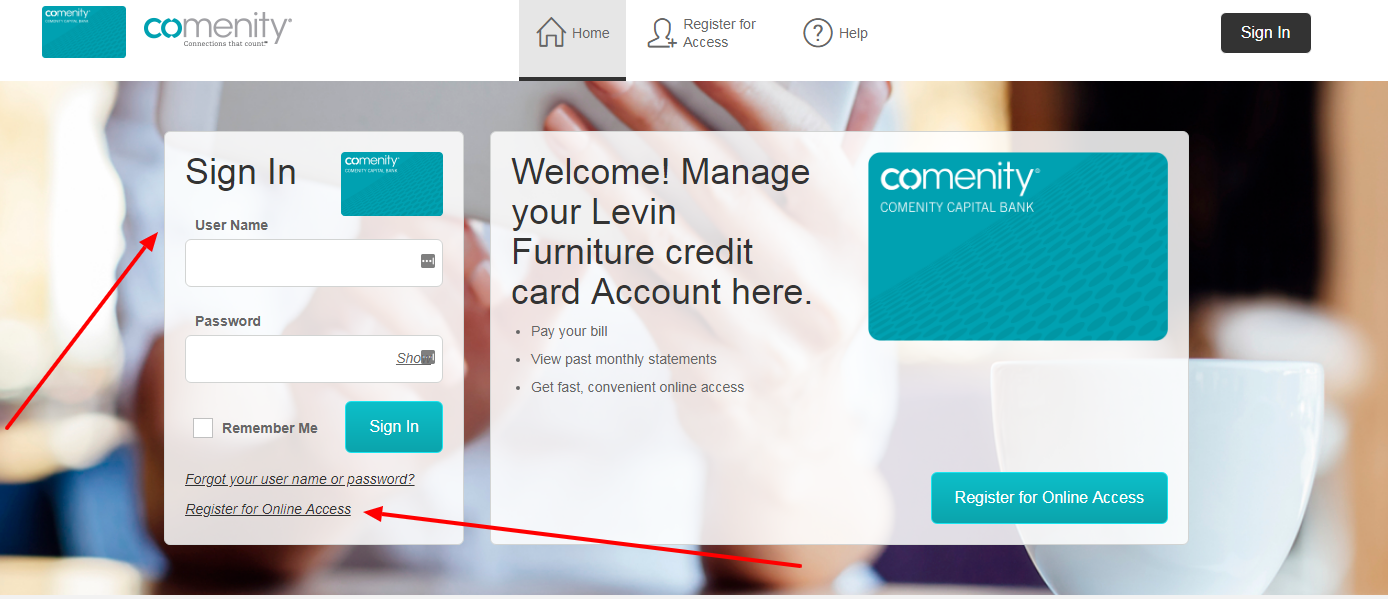
Levin Furniture Credit Card Log In now uses Synchrony’s retail-credit account service. Levin Furniture still offers an active store-branded card with no annual fee for new accounts, exclusive discounts, monthly payments, and rotating promotional financing, but the current retailer page sends existing cardholders to Synchrony to register, sign in, review statements, and make payments.
Use Levin Furniture for shopping, delivery, returns, and current promotion questions. Use Synchrony for card registration, sign-in, statements, payments, promotional balances, and account security. Before a financing promotion expires, check the exact balance and deadline on the latest statement because deferred-interest terms can add interest from the purchase date when the promotional balance is not paid in full on time.
How to Log In
For Levin Furniture Credit Card Log In, open Levin Furniture’s current credit-card page or Synchrony’s account finder independently and choose Manage Account. Use the Synchrony username and password tied to the Levin account, complete any requested security check, and confirm the retailer name and final account digits before viewing activity, statements, payments, promotional balances, or account settings.
Synchrony Online Account
- Open Levin Furniture’s current credit-card page independently.
- Choose Manage Account for an existing card.
- Confirm that the destination is Synchrony’s consumer account service.
- Enter the registered Synchrony username and password.
- Complete any identity or security verification requested.
- Select the Levin Furniture account by final digits.
- Review activity and sign out when finished.
MySynchrony App and Payment Access
- Use the installed MySynchrony app from an official app store.
- Sign in with the current Synchrony profile.
- Choose the Levin Furniture account rather than another Synchrony card.
- Review balance, available credit, statement, and due date.
- Schedule a payment or confirm the current Autopay setting.
- Use Pay Without Sign In only from Synchrony’s own service.
- Save the payment confirmation and verify posting.
Identify the Current Issuer and Account
Levin Furniture’s live credit-card page and Synchrony’s current partner directory identify Synchrony as the account-management provider for the Levin Furniture and Mattress program. The old Comenity route in the former article is no longer the current path. Existing cardholders should use the issuer and address printed on the newest card or billing statement if a historical account has not appeared in Synchrony automatically.
The Levin Furniture card is a store-branded financing account, while Synchrony also issues many unrelated retail cards and broader home-financing products. Do not choose a generic Synchrony Mastercard, Synchrony Bank savings login, Pay Later loan, or another furniture retailer account. Match the retailer name, account ending, statement, and current agreement before changing settings or sending a payment.
- Read the issuer on the newest card and statement.
- Confirm that the account name includes Levin Furniture.
- Match the final account digits before making a payment.
- Treat the old Comenity address as obsolete guidance.
- Do not confuse the card with a Synchrony savings account.
- Do not select another retailer’s Synchrony account.
- Contact Synchrony when a legacy account is missing.
Register, Recover Access, and Activate the Card
Synchrony registration requires the full account number, the last four digits of the primary cardholder’s Social Security number, and date of birth. After the account is found, the customer verifies the displayed information, checks whether other Synchrony cards should be included, creates a username and password, sets security questions, adds an email address, and chooses whether to use paperless statements.
If a card arrives with an activation sticker, Synchrony instructs the cardholder to call the number on that sticker and verify identity. Sign-in recovery belongs to Synchrony, not Levin’s shopping account. A customer who cannot see the card after registration should use Synchrony’s account finder or support rather than creating repeated applications or sending sensitive identity details to the furniture store.
- Have the full Synchrony account number available.
- Use the primary cardholder’s last four Social Security digits.
- Enter the primary cardholder’s date of birth.
- Verify the account information before continuing.
- Create a unique username and password.
- Call the activation number printed on the card sticker.
- Use Synchrony recovery or support for access problems.
Manage Payments, Statements, and Promotional Balances
After Levin Furniture Credit Card Log In, compare the total balance, statement balance, minimum payment, due date, recent purchases, and each promotional balance. Synchrony offers scheduled payments, eBill, account alerts, Autopay, and Pay Without Sign In. Autopay can use the statement balance, total minimum payment due, or another chosen amount, so confirm the selection and effective date before relying on it.
Many Levin offers use deferred interest: no interest is charged on the promotional balance only if that balance is paid in full within the stated period. If it is not paid in full, interest can be charged from the original purchase date. Minimum payments may not clear the balance before expiration. Other offers may use reduced interest and fixed monthly payments. The transaction receipt, statement, and current agreement control the exact terms.
- Review every promotional balance and expiration date.
- Check whether the offer is deferred interest or reduced interest.
- Calculate whether planned payments clear the promotion in time.
- Confirm the bank account, amount, and processing date.
- Save each payment confirmation until it posts.
- Verify that Autopay is active and uses the intended amount.
- Contact Synchrony before an unclear promotion expires.
Keep Shopping, Financing, and Account Support Separate
Levin Furniture handles merchandise, pricing, delivery, returns, store promotions, and whether a purchase qualifies for a financing offer. Synchrony handles the credit decision, online account, billing statement, payment processing, credit limit, interest, fees, disputes, account closure, and lost-card response. A merchandise refund can take time to reach the financing account, so monitor both the Levin order and the Synchrony balance.
Levin also lists Acima lease-to-own and Shop Pay Installments with Affirm as separate financing choices. Those services do not use Levin Furniture Credit Card Log In or Synchrony retail-card credentials. Identify which agreement funded the order before seeking help. Never submit a Synchrony payment to fix a Levin order problem or disclose card credentials to a retailer support message.
- Use Levin for merchandise, delivery, return, and store-promotion questions.
- Use Synchrony for statements, payments, interest, and credit decisions.
- Track a merchant refund until it posts to the card account.
- Keep Acima lease-to-own separate from the credit card.
- Keep Affirm or Shop Pay installments separate from Synchrony.
- Use secure account messages for billing-specific information.
- Report loss, theft, or suspicious activity to Synchrony promptly.
Known Issues & Common Problems
The old Comenity address no longer identifies current access: Use Levin Furniture’s current Manage Account route or Synchrony’s account finder; verify the issuer on the newest statement when handling an older balance.
Synchrony cannot find the Levin account: Check the full account number, primary cardholder identity details, retailer name, and whether the account is still serviced under a historical issuer.
The minimum payment will not finish the promotion: Deferred-interest minimum payments may be too small to clear the balance before expiration; calculate a separate payoff plan from the current statement.
A payment is pending or appears twice: Review confirmations, bank activity, processing dates, and posted account activity before scheduling another payment.
A Levin refund is missing from the card: Confirm the merchant completed the refund, retain the return receipt, allow stated processing time, and then contact the correct merchant or issuer team.
The order used another financing provider: Check the purchase agreement for Acima, Affirm, Shop Pay, Synchrony, or another provider and use that provider’s separate account service.
Levin Furniture Credit Card Log In problems are easier to resolve after recording the issuer, retailer account name, final digits, device, exact error, statement date, promotional expiration, payment confirmation, merchant order number, and last successful step. Never send a password, full account number, Social Security number, birth date, bank-routing details, or one-time security code in ordinary email or chat.
Troubleshooting Tips
- Confirm that the newest statement identifies Synchrony.
- Open Levin Furniture or Synchrony independently.
- Choose the Levin Furniture retail-card account.
- Use Synchrony’s registration or recovery process.
- Check all promotional balances and expiration dates.
- Verify the payment amount, date, and funding account.
- Confirm that Autopay is active before relying on it.
- Separate a merchant refund from a billing dispute.
- Record the exact error, account ending, and approximate time.
- Use Synchrony support for account-specific problems.
Tell support whether the issue concerns registration, credentials, activation, a hidden account, statement access, a deferred-interest promotion, payment, Autopay, refund, dispute, credit limit, lost card, or possible unauthorized activity.
Security Tips
- Open Levin Furniture or Synchrony independently.
- Confirm the retailer name and final account digits.
- Never share a password or one-time security code.
- Never send a full account or Social Security number in a message.
- Use Pay Without Sign In only from Synchrony’s own service.
- Review statements, alerts, and recent transactions.
- Call promptly when a card is lost or stolen.
- Use authenticated messages for account-specific details.
Levin Furniture or Synchrony branding does not prove that a message, caller, payment page, or promotional notice is genuine. End unexpected contact, open the known service independently, and verify the request before entering credentials or banking information.
Contact Customer Service
- Synchrony retail-card access and account questions: use the number on the back of the current card or statement; Synchrony’s general help number is 1-866-419-4096.
- Lost or stolen Synchrony card: call 877-295-2080; Synchrony states that automated reporting is available 24 hours a day.
- Sign-in or screen assistance for store cards: Synchrony lists 877-295-2080 and telephone access daily from 8 a.m. to midnight Eastern Time.
- Secure account help: use Chat or Messages only from Synchrony’s authenticated account service; account-specific information is not handled through unsecured channels.
- Levin Furniture merchandise, store, and promotion details: call 844-600-1795 or use the customer-service route on the retailer’s current site.
Have the current issuer, retailer account name, card ending, device, exact error, statement date, promotional expiration, payment or refund date, and approximate time available. Keep complete identity and account details inside verified secure channels.
Related Login Guides
Frequently Asked Questions
Where is Levin Furniture Credit Card Log In?
Use Levin Furniture’s current Manage Account route or Synchrony’s account finder, then select the Levin Furniture retail-card account.
Who currently services the Levin Furniture credit card?
Levin Furniture’s live card page and Synchrony’s partner directory currently route the active program to Synchrony.
Should an existing cardholder use the old Comenity page?
No. It is obsolete guidance. Use the issuer on the newest card or statement and Levin’s current Manage Account route.
What is needed to register the Synchrony account?
Use the full account number, the primary cardholder’s last four Social Security digits, and date of birth, then verify the displayed account.
How is a new Levin Furniture card activated?
If the card arrives with an activation sticker, call the number printed on it and complete Synchrony’s identity verification.
Can the Levin Furniture card be paid without signing in?
Synchrony offers Pay Without Sign In for eligible accounts, but start only from Synchrony’s independently opened service and verify the account ending.
What does deferred interest mean on a Levin promotion?
The promotional balance must be paid in full by its deadline or interest can be charged from the original purchase date. Minimum payments may not be enough.
Does the Levin Furniture card have an annual fee?
Levin currently advertises no annual fee for new accounts, subject to the current agreement and credit approval.
Are Acima and Affirm part of the Levin credit card account?
No. They are separate financing or lease-to-own services with their own agreements and account access.
Who handles a lost or stolen Levin Furniture card?
Call Synchrony’s automated lost-card line at 877-295-2080 or use the verified number on the back of the current card.
Summary
Levin Furniture Credit Card Log In now uses Synchrony’s retail-card service, not the obsolete Comenity address. Verify the current issuer and account ending, register with the primary cardholder’s information, monitor statements and promotional deadlines, confirm every payment and Autopay setting, separate retailer issues from card billing, and contact Synchrony promptly for access, loss, theft, or suspicious activity.
Independent guide: This is an independent informational guide. It does not provide a login form, does not provide direct login links, does not request passwords or credentials, and does not collect banking data. Use the card issuer’s official website, app, phone, or support channels directly for account access.
Last Updated on July 28, 2026
URL: https://log-in.me/credit-card/levinfurniturecreditcard/