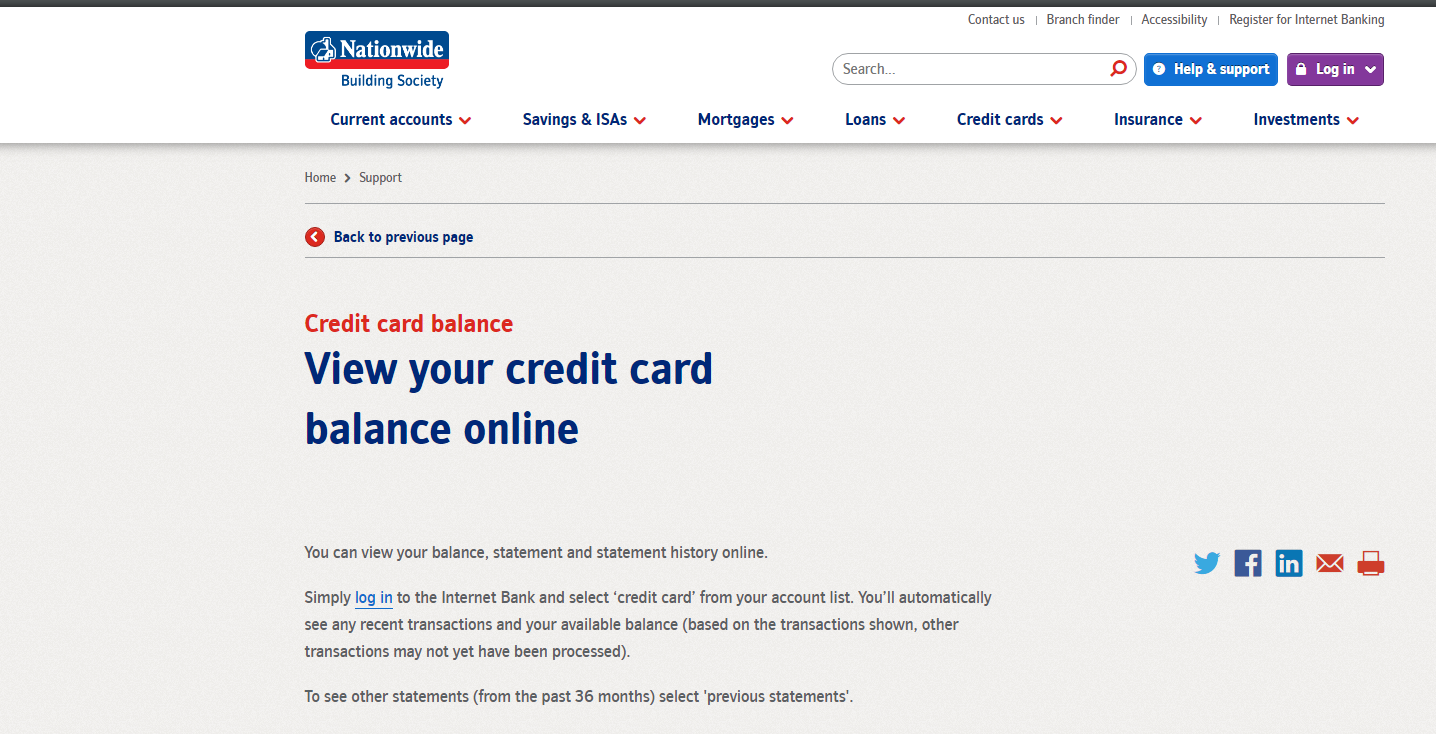
Notice: This page is an independent login-help guide for Nationwide Bank Visa Credit Card users. It is not affiliated with Nationwide Building Society, Visa, or any card issuer. It does not contain a login form and will never ask for your card number, PIN, password, one-time passcode, card reader code, or security answers.
Trying to log in to a Nationwide Bank Visa Credit Card account? Use Nationwide’s own Internet Bank or Banking app, then choose the credit card account after you are signed in. The Nationwide Bank Visa Credit Card login is tied to online banking access, so most problems are caused by forgotten login details, app verification, card reader checks, a blocked security step, or using an old screenshot-based page instead of the current Nationwide login route.
How to Log In to Nationwide Bank Visa Credit Card
Internet Bank Login
- Go to Nationwide’s official online banking login from your browser or a saved bookmark.
- Enter your customer number, date of birth, and the requested security details.
- Complete any app, text-message, or card reader verification step shown on the screen.
- After sign-in, choose the Nationwide Bank Visa Credit Card from your account list.
- Use the credit card area to view balance, recent transactions, statements, payment due date, and minimum payment information.
Banking App Login
- Open the Nationwide Banking app only from your installed app, not from a text-message link.
- Sign in with the app method you have set up, such as passnumber, biometrics, or another approved check.
- Tap your credit card account to see card balance, pending activity, payments, and card controls.
- If the app asks for re-registration, follow the official setup flow and keep your card reader or card details nearby.
- If the app shows a technical error, try the Internet Bank from a browser before assuming the Nationwide Bank Visa Credit Card account is closed.
First-Time Access and Setup
- Have your Nationwide customer number ready. If you do not know it, use Nationwide’s forgotten-details process before trying random guesses.
- Keep your debit card, card reader, mobile phone, and credit card details nearby because Nationwide may use different checks depending on your account setup.
- Set up the Banking app only on a device you control. Do not register online banking from a shared or public computer.
- Choose security details you can remember but that other people cannot guess from social media or old data leaks.
- After first login, check that the Nationwide Bank Visa Credit Card appears in your account list. If it does not, contact Nationwide before making a duplicate payment elsewhere.
Known Issues & Common Problems
Forgotten Details
The Nationwide Bank Visa Credit Card login can fail if you forget your customer number, security number, passnumber, or memorable data. Do not keep retrying until the account locks. Use the official recovery route.
Verification Problems
Nationwide may ask for app approval, a login code, or card reader verification. If your phone number, app registration, or card reader is not available, the login may stop even when your password is correct.
Card Not Showing
If the credit card does not appear after login, it may be new, closed, not linked to that profile, or temporarily unavailable during maintenance. Check statements and messages before paying from another route.
Payment Timing
A payment may not show instantly on the Nationwide Bank Visa Credit Card balance. Check pending payments and the statement due date before sending a second payment.
Troubleshooting Tips
- Login details rejected: stop after a few failed attempts and use the forgotten-details process.
- App will not open: update the Nationwide app, restart the phone, and try mobile data if Wi-Fi is unreliable.
- Text code missing: check signal, blocked senders, and whether Nationwide has your current mobile number.
- Card reader needed: use the reader with the correct card and follow the screen prompts exactly.
- Credit card missing: check whether you are signed in to the right Nationwide profile, then ask Nationwide to confirm the card is linked.
Security Tips
- Never share a card reader code, one-time passcode, or app approval with someone who called you.
- Use the Banking app or a typed bookmark instead of login links in text messages or emails.
- Do not approve an app prompt unless you started the Nationwide Bank Visa Credit Card login yourself.
- Turn on alerts for card spending, payment due dates, and unusual activity when available.
- If your card, phone, or card reader is lost, contact Nationwide immediately and block or replace what is missing.
Customer Complaints & Common Problems
Nationwide login complaints usually point to access and fraud-control friction rather than one single broken button. Read these as warning signs, not proof that every Nationwide Bank Visa Credit Card user will have the same experience.
- App error loops: one Nationwide app user described the message as “sorry we seem to be experiencing technical difficulties please try again later” while trying to sign in. Source: Reddit r/Nationwide user report, 2024.
- Phone-support frustration: one banking user wrote that Nationwide “won’t let me log in” and that the “phone line is being useless” while trying to recover needed details. Source: Reddit r/Banking user report, 2025.
- Security blocks can feel sudden: user reports and regulator material show that fraud checks can block access when Nationwide believes risk is high. Source: FCA final notice and public user reports, 2025.
- Best next step: if login is blocked while money is due, use the official credit card help route by phone or secure message and ask about payment options before the due date passes.
Managing the Card After Login
Payments and Statements
- Check the statement balance, minimum payment, due date, and recent transactions before paying.
- You can usually pay a Nationwide credit card through the app, Internet Bank, or another payment method listed by Nationwide.
- If a payment is close to the due date, check how long the payment method takes to arrive.
Card Controls
- Use card controls to report a lost card, review suspicious transactions, or manage spending alerts when available.
- Review overseas fees, cash withdrawal rules, and transaction limits before travelling.
- Keep your mobile number, address, and email current so verification messages reach you.
Contact Customer Service
Contact Nationwide customer service if the Nationwide Bank Visa Credit Card login is locked, the card does not show, a payment is missing, or you suspect fraud. Use the phone number on the back of your card, the number printed on your statement, the secure message area after login, or branch support. Do not use a number from a random search result if the issue involves card security.
- Locked login: ask whether the block is from failed attempts, app registration, fraud review, or outdated contact details.
- Payment due soon: ask for the fastest safe payment route and write down the cut-off time.
- Card fraud: report the transaction, freeze or replace the card if needed, and change online banking security details from a trusted device.
Related Credit Card Login Guides
If you are comparing account-access steps across card issuers, these related login guides may help: University Federal Credit Union Credit Cards, State Farm Student Visa Credit Card, Porsche Club of America Visa Card, and Fifth Third Bank USA.
Frequently Asked Questions
Where do I log in to my Nationwide Bank Visa Credit Card account?
Use Nationwide’s official Internet Bank or Banking app, then choose your credit card account after signing in. Do not enter card details on unofficial screenshot pages.
Why is my Nationwide Bank Visa Credit Card login not working?
Common reasons include forgotten customer details, app verification problems, text-code issues, card reader checks, browser problems, maintenance, or a temporary security block.
Can I check my Nationwide credit card balance in the app?
Yes. After you sign in to the Nationwide Banking app, choose the credit card account to review balance, transactions, payments, and card options when available.
What should I do if I forgot my Nationwide customer number?
Use Nationwide’s official forgotten-details process. Avoid guessing repeatedly because too many failed attempts can lead to extra security checks or a locked login.
Why does Nationwide ask for a card reader or login code?
Nationwide may use extra checks to confirm that the real account holder is signing in. Follow only the prompts shown in your own login session.
What if my Nationwide credit card does not appear after login?
Confirm that you used the right online banking profile. If the card still does not appear, contact Nationwide and ask whether the card is linked, new, closed, or under review.
Can I pay my Nationwide Bank Visa Credit Card online?
In most cases, you can pay through Nationwide online banking or the Banking app. Always check the due date, payment amount, and processing time before submitting payment.
Is this page a Nationwide login page?
No. This is an independent help guide. It does not contain a login form and should never receive your password, PIN, one-time passcode, card reader code, or card number.
What should I do if I suspect fraud on my Nationwide credit card?
Contact Nationwide using the number on your card or statement, freeze or replace the card if needed, and change online banking security details from a trusted device.
Should I use a text-message link to access Nationwide online banking?
No. Open the Banking app yourself or type the official address into your browser. Be especially careful with links that ask for passcodes, card reader codes, or app approvals.
Summary
The safest Nationwide Bank Visa Credit Card login path is simple: use Nationwide’s official Internet Bank or Banking app, pass the required security check, then choose the credit card account. If the Nationwide Bank Visa Credit Card login fails, recover your details, check app and card reader access, and contact Nationwide before the payment due date if money is involved.
Last Updated on June 2, 2026
URL: https://log-in.me/credit-card/nationwidebankvisacreditcard/