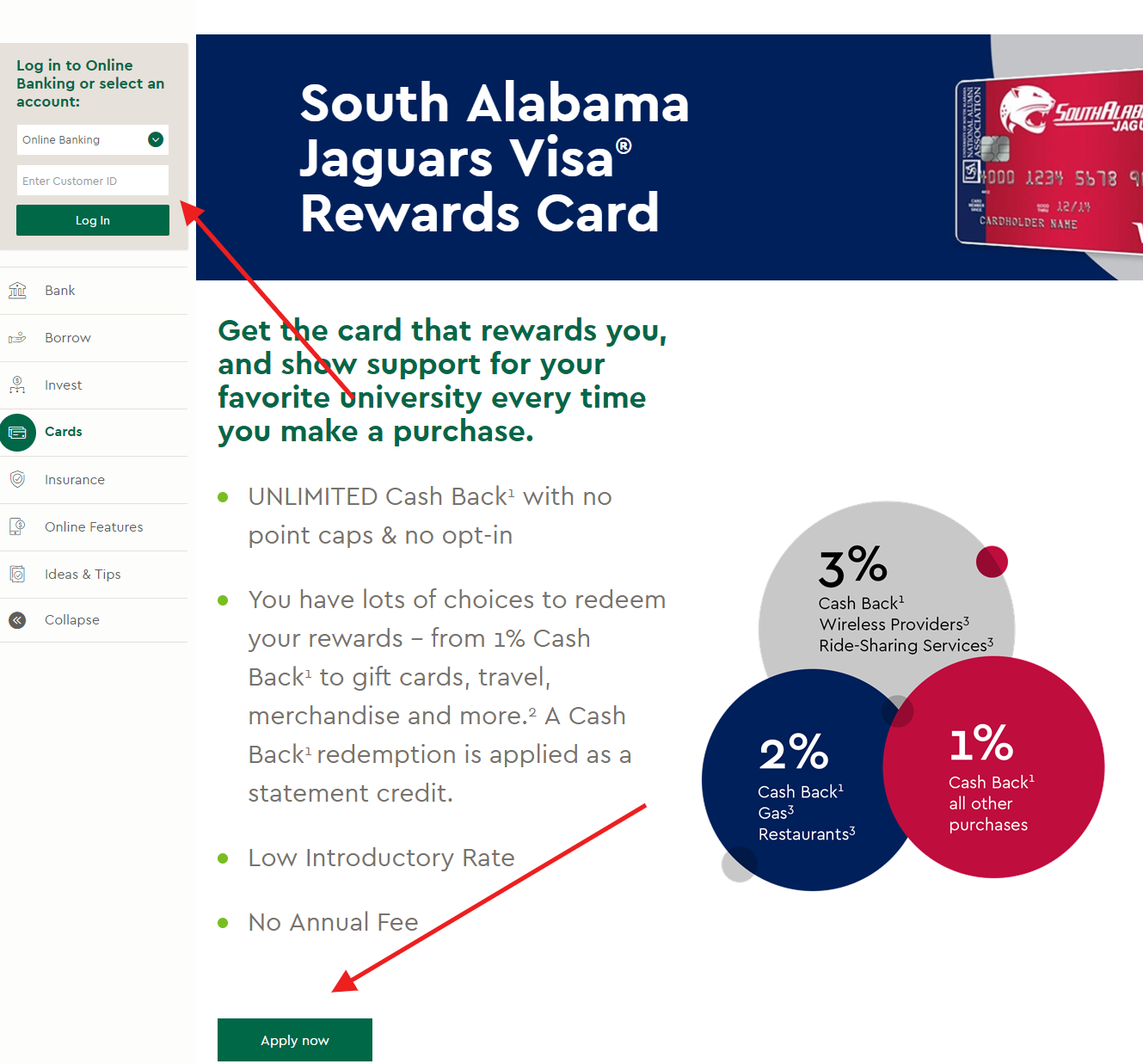
South Alabama Jaguars Visa Rewards Card Log In

South Alabama Jaguars Visa Rewards Card Log In is handled through Commerce Bank Online Banking. Commerce Bank’s current cardmember-access information tells existing credit-card customers to use Online Banking for transactions, payments, alerts, statements and rewards. The old South Alabama application page is no longer part of the bank’s current card catalogue, so do not use an archived application claim to seek a new account.

Choose the correct service

  • Existing South Alabama card: use Commerce Bank Online Banking or the access route on the current statement.
  • Other Commerce credit card: use the same cardmember-access service and confirm the card ending digits after login.
  • New card application: choose only from Commerce Bank’s current published card catalogue.
  • Do not use an old screenshot, saved advertisement or third-party login button to choose a destination.
  • Never enter a password, card number or security code into this independent guide.


How to Log In

Begin with the newest physical card or billing statement. Confirm that Commerce Bank remains the issuer and note the customer-service number printed there. Commerce Bank currently directs credit-card customers to Online Banking, where an enrolled cardholder can review transactions, make payments, set alerts, choose paperless statements, manage AutoPay and view eligible rewards.

Existing cardholder access

  1. Start from Commerce Bank’s current official website or mobile app.
  2. Select the Online Banking login and verify the expected Commerce Bank branding.
  3. Enter the established Customer ID and password.
  4. Complete only the security check generated by that session.
  5. Confirm the South Alabama card name or expected ending digits before making a payment.
  6. Sign out when the card-account work is complete.

If the affinity card is missing

  1. Check the current card or statement for the approved card-account service.
  2. Confirm that the Customer ID belongs to the same Commerce Bank relationship.
  3. Use enrollment only if the credit card has never been activated for Online Banking.
  4. Confirm the card ending digits and account status after signing in.
  5. Review recent purchases, payments and alerts.
  6. Call the number on the card when the account destination remains uncertain.


First-Time Access and Password Recovery

Commerce Bank provides an Enroll Now route for a new Online Banking customer. Existing cardholders should recover the established Customer ID or password instead of creating duplicate profiles. The South Alabama artwork or affinity name may change while an account remains serviced, so use the account number and issuer details on the current statement to identify it.

  1. Verify the product and the approved service before enrollment.
  2. Choose first-time enrollment only when no profile already exists.
  3. Provide identity and account details only inside the protected official flow.
  4. Create a unique password that is not shared with business email or bookkeeping tools.
  5. Use the displayed username or password recovery option after one careful failed attempt.
  6. Open only a recovery message generated by the request you initiated.
  7. Verify contact details and alerts after access is restored.


Known Issues & Common Problems

Most South Alabama Jaguars Visa Rewards Card Log In problems involve an old product bookmark, an unrecognised Customer ID or uncertainty about whether an affinity account is still open. Identify the exact failure before changing credentials.

The card is absent

Confirm the Customer ID, card ending digits and account status with Commerce Bank. Do not assume the old affinity name will appear exactly as it did on the original application page.

The old page looks different

The former South Alabama product page is not in Commerce Bank’s current card catalogue. Existing cardholders should use current Online Banking, not an archived application bookmark.

A payment is not visible

Check the confirmation, destination, processing date and available credit. Do not submit a duplicate payment until the card-account service or support confirms the first payment’s status.

A card shows unusual activity

Use an available card-lock control when appropriate, then contact Commerce Bank immediately. Record the merchant, amount, date and affected card ending digits. Current Commerce terms require prompt reporting.


Troubleshooting Tips

Work from the account type and the exact failed step. A missing card, rejected password and delayed payment require different checks, so avoid changing several settings at once.

  • Confirm that Commerce Bank remains the issuer on the newest statement.
  • Retype credentials instead of accepting an old browser suggestion.
  • Check that the device date, time and internet connection are correct.
  • Close old sessions before trying a private browser window.
  • Try current Commerce Online Banking instead of the retired affinity-card page.
  • Use recovery after one careful failure instead of guessing repeatedly.
  • Record the exact error and time before contacting support.
  • Review recent activity after access returns.

Security Tips

Credit-card access protects payments, rewards and personal data. Secure both Commerce Online Banking and the email or phone used for account recovery.

  • Do not share one username and password among employees.
  • Never disclose a full card number or security code to an unsolicited caller.
  • Do not sign in through an unexpected email or text link.
  • Use Commerce’s authorised-user feature instead of sharing credentials.
  • Enable transaction and fraud alerts when available.
  • Remove an authorised user when access is no longer appropriate.
  • Keep Commerce Bank informed of the current mobile number.
  • Report a lost card or unauthorised transaction immediately.

Contact Customer Service

Commerce Bank’s current cardmember-access page publishes 24-hour customer service for credit-card transactions, payments, alerts, rewards, lost cards and access problems.

  • 24-hour credit-card customer service: 800-645-2103.
  • Outside the United States: call collect at 314-514-6299.
  • Lost or stolen card: contact the number on the current card or the 24-hour card service immediately.
  • Online Banking access: use the Customer ID recovery or enrollment option shown by Commerce Bank.
  • Existing agreement: Commerce Bank also accepts requests for a copy of the current cardholder agreement through card service.
  • Use the number on the back of the current card when it differs from an older guide.
  • Never send passwords, PINs, full account numbers or complete card numbers through ordinary email.

Related Business Card Guides


Frequently Asked Questions

Where do I sign in to the South Alabama Jaguars Visa Rewards Card?

Existing cardholders should use Commerce Bank Online Banking or the current access instructions printed on the card statement.

Is Commerce Bank still accepting applications for this card?

The old South Alabama product page is not in Commerce Bank’s current card catalogue. Check only the bank’s current products before applying.

Why is the affinity name missing after I sign in?

The product name or artwork may change while an account remains serviced. Confirm the card ending digits and status with Commerce Bank.

How do I recover my Commerce password?

Use the Customer ID or password recovery option in verified Commerce Online Banking, or call the number on the current card.

How do I report a lost South Alabama Visa card?

Contact Commerce Bank’s 24-hour card service or the number on the back of the current card immediately.

Can I manage rewards in Online Banking?

Commerce Bank says eligible cardholders can view and redeem rewards through Online Banking.

What should I do if a payment is missing?

Check the confirmation and processing date, then contact Commerce card service before submitting a duplicate payment.

Does this page provide a login link?

No. This independent guide explains how to identify and use Commerce Bank’s official service without collecting credentials.


Summary

South Alabama Jaguars Visa Rewards Card Log In uses Commerce Bank Online Banking for an existing cardholder. The former application page is no longer part of the current card catalogue. Verify the issuer on the newest statement, use Customer ID recovery when necessary, and call Commerce Bank’s 24-hour card service for loss, fraud, payment or account-status questions.

  • Use current Commerce Online Banking for an existing card.
  • Do not rely on the retired affinity-card application page.
  • Trust the newest card and statement over old screenshots.
  • Use recovery instead of repeated password guesses.
  • Report lost cards and unauthorised activity immediately.

Independent guide: This page is an independent informational guide. It does not provide a login form, does not provide direct login links, does not request passwords or card details, and does not collect banking data. Use official service channels directly, including the number on the current card or Commerce Bank’s verified support.

Last Updated on July 29, 2026

URL: https://log-in.me/credit-card/southalabamajaguarsvisarewardscard/