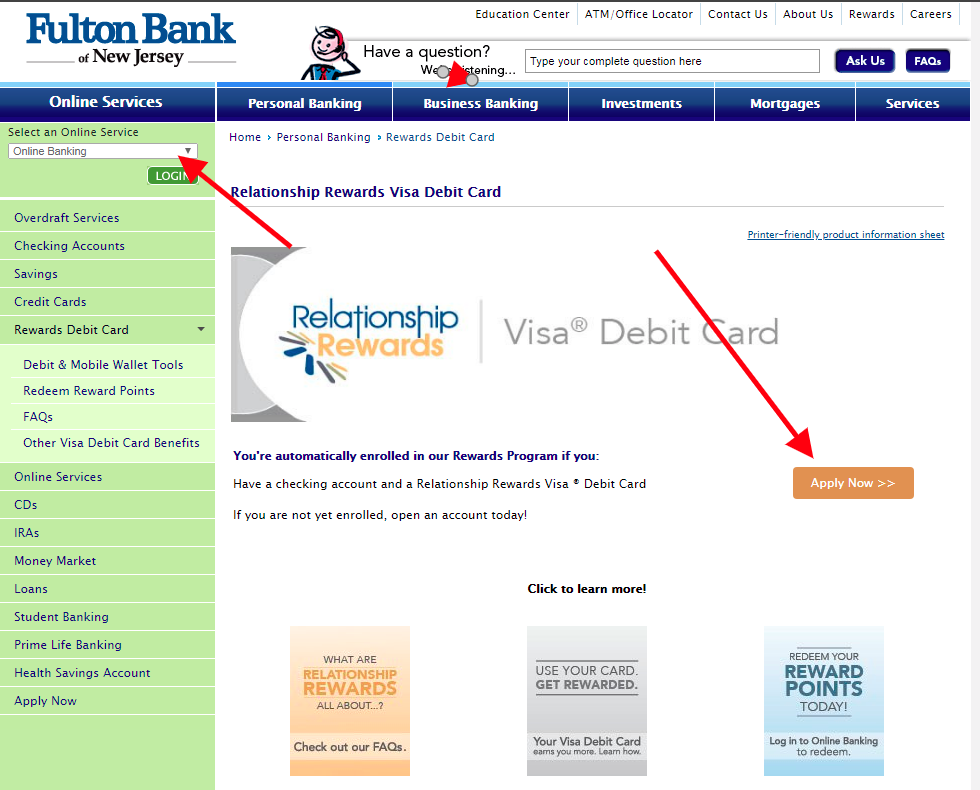
Security note: This Fulton Bank Visa College Real Rewards log in guide does not link out to banking, card, cruise, coffee, or investment login pages. Type the official website yourself, check the domain carefully, and never enter a password, card number, Social Security number, one-time code, or security answer on a page reached from an email, ad, comment, or text message.
The old page called this “The Bank Visa College Relationship Rewards,” but current research points to Fulton Bank’s Visa College Real Rewards credit card. Fulton says the card is offered with Elan Financial Services, so card account access may not be the same as Fulton online banking.
Use this guide to choose the right login path: Fulton for banking relationship questions, and the credit card servicing path for card statements, payments, rewards, alerts, and AutoPay.
How to Log In
Manage the credit card
- Start from Fulton Bank credit card information or your card paperwork.
- Choose the credit card account access or servicing route connected to the card.
- Sign in with the username registered for the card account.
- Use the card portal for statements, payments, AutoPay, alerts, rewards, and card controls.
- If the card portal cannot find you, use card account recovery or call the number on the card.
Use Fulton Online Banking
- Use Fulton Online Banking for bank accounts, transfers, bill pay, and relationship-level account service.
- Do not assume your Fulton bank password is also your card servicing password.
- If you are trying to convert or view reward points, check Fulton’s card reward information and the card portal.
- If your checking or savings account is fine but the card is not, recover the card account separately.
- If everything fails, contact Fulton and ask which servicing path applies to your card.
Card Access and Setup
Fulton’s current card page describes Visa College Real Rewards benefits, 24/7 online account access, account alerts, AutoPay, credit score access, and Elan Financial Services involvement.
- The card portal is the practical place for card statements and payments.
- AutoPay and alerts help prevent missed payments while you sort out login problems.
- Rewards and card benefits may sit in the card servicing system, not a normal bank account screen.
- Fulton notes it is not affiliated with Elan Financial Services or Visa, which is a clue that separate servicing can be involved.
Known Issues & Common Problems
Wrong Fulton login
- You may be able to sign in to Fulton Online Banking and still not see the credit card controls you expected.
- That usually means you need the card servicing route, not another bank-password reset.
Old card name
- The legacy article title does not match the current Fulton product name well. Searching the old name can send users to stale or unrelated login pages.
- Use the name on your card, statement, or Fulton product page before entering personal details.
Troubleshooting Tips and Security Tips
Troubleshooting Tips
- Check the card statement for the exact servicing website or phone number.
- Try card account recovery before resetting your Fulton bank login.
- Set up alerts and AutoPay after access is restored.
- If rewards are missing, compare statement dates and card portal reward history.
- Call the card support number on the card for account-specific help.
Security Tips
- Do not enter card details into a site that only copied the old card name.
- Use the number on the card if you suspect fraud.
- Turn on transaction alerts where available.
- Do not share one-time codes with anyone calling about rewards.
- Use separate passwords for bank login and card servicing login.
Source-Based Notes for This Account
Practical research takeaway: the old page name referred to “The Bank,” but the current product research points to Fulton Bank Visa College Real Rewards. Fulton describes the product as a student-oriented rewards credit card with 1.5X points on eligible purchases, a first-purchase bonus, no cap on points earned, and online account access with alerts.
Fulton also discloses that its credit-card program is not the same as ordinary Fulton deposit banking. Elan Financial Services is involved in the card relationship, which is why card login, card payments, and card alerts may not use the same path as checking or savings online banking.
- Use Fulton online banking for bank accounts only when the card is linked there.
- Use the cardmember servicing path for card statements, AutoPay, alerts, score access, and rewards.
- Do not reset Fulton deposit-account credentials if only the credit-card portal is failing.
- Students should keep a parent or joint-account assumption out of recovery unless the issuer confirms that setup.
Research Notes
Fulton Bank currently describes the Visa College Real Rewards card with 1.5X points on eligible purchases, account alerts, AutoPay, credit score access, and Elan Financial Services involvement.
That makes the accurate guide a card-servicing guide, not a generic bank-login screenshot article.
Contact Customer Service
Use Fulton for product and bank relationship questions. Use the card servicing contact path for statements, payments, fraud, card replacement, rewards, and login recovery.
- Use the card servicing route for payment and statement problems.
- Use Fulton Online Banking support for bank-account login problems.
- Ask support which credentials should be used for this specific card.
- If the card was lost or used without permission, contact card support immediately.
Related Guides
If this is not the account you meant, these related guides may help you find the right path:
- Maurices Credit Card log in
- KeyBank College Rewards Mastercard log in
- Lexus Pursuits Credit Card log in
- Holland America Line Rewards Visa log in
Frequently Asked Questions
What is the current card name?
Current research points to Fulton Bank Visa College Real Rewards, not the older “The Bank Visa College Relationship Rewards” wording.
Is Fulton Online Banking the card login?
Not always. Credit card servicing can be separate from regular bank online banking.
Who handles the card servicing?
Fulton’s card information mentions Elan Financial Services involvement, so check your card paperwork for the correct servicing route.
Where do I make a payment?
Use the credit card account servicing path shown on your statement or card paperwork.
Should I search the old card name?
No. Use the current card name on your statement, card, or Fulton product information.
Last Updated on June 6, 2026
URL: https://log-in.me/credit-card/thebankvisacollegerelationshiprewards/