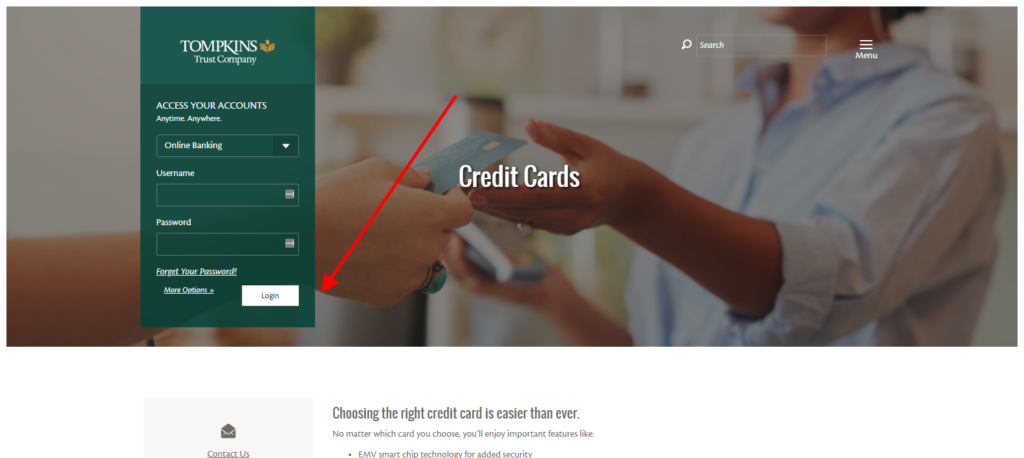
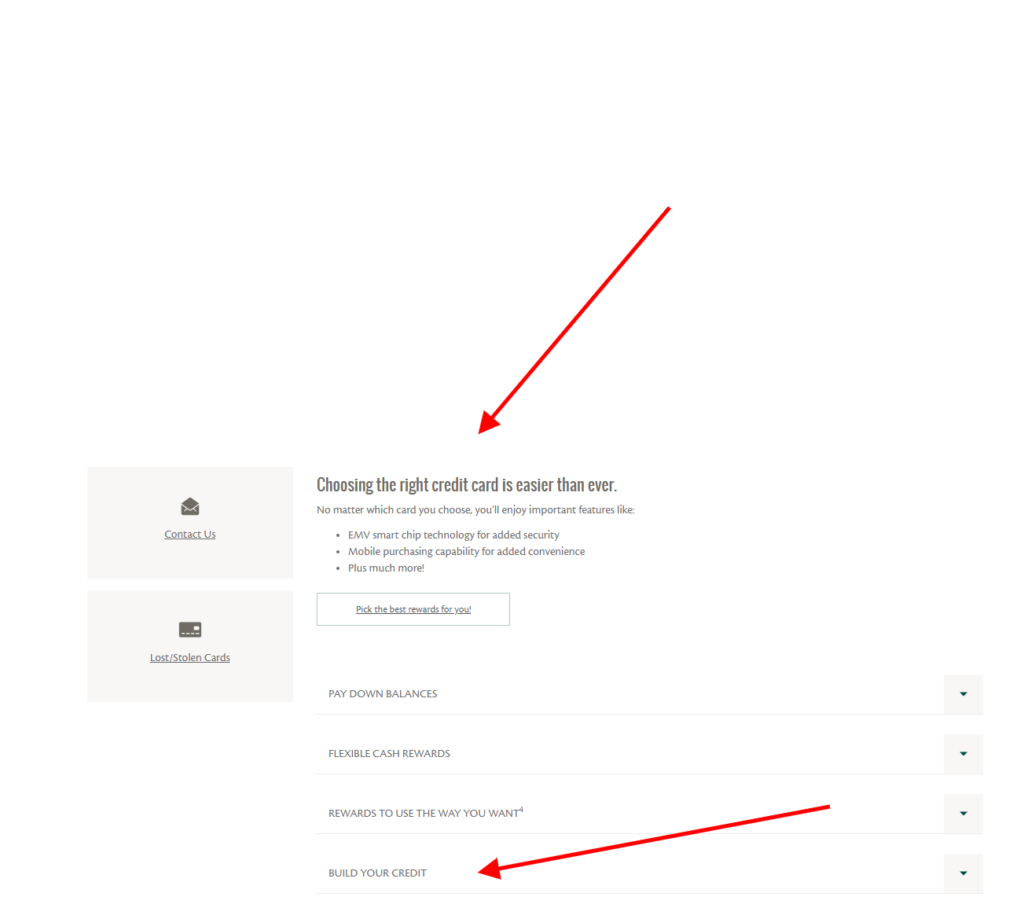
Tompkins Business Credit Card ❤️ Log In

Tompkins Business Credit Card Log In is handled through Elan Financial Services Online Credit Card Account Access. Tompkins Community Bank markets the business card relationship, but Elan is the creditor and issuer and provides the card-account servicing portal.

The older Tompkins Trust Company Visa Business Bonus Rewards name may still appear in saved records or searches. Current Tompkins materials instead present several business card choices, including low-rate, cash-back, and flexible-rewards options. Use the account details and agreement for the exact card issued to the business.


How to Log In

For Tompkins Business Credit Card Log In, begin from the current Tompkins business credit-card area or the Elan Account Access destination shown on a current statement. Enter the enrolled username and password, complete any verification privately, and confirm the business name and card ending before making changes.

Elan Online Credit Card Account Access

  1. Start from a trusted current Tompkins card route or saved Elan Account Access bookmark.
  2. Confirm that the page identifies online credit-card account servicing.
  3. Enter the username created for the card account.
  4. Enter the unique account password privately.
  5. Complete the assigned identity or security verification.
  6. Confirm the business name, card ending, balance, and recent activity.
  7. Sign out completely after statements, payments, or account changes are finished.

Tompkins Treasury Management Resources

  1. Open the current Tompkins digital banking service for the business.
  2. Sign in with the Treasury Management credentials assigned to the user.
  3. Choose the correct business profile when more than one is available.
  4. Open the Resources section for the current business-card application route.
  5. Review the offered card choices and issuer disclosures.
  6. Submit only information authorized by the business and requested by the application.
  7. Retain the application reference and sign out.


Tompkins and Elan Have Different Roles

Tompkins Community Bank is the customer-facing financial institution for the promoted business cards. Elan Financial Services is the creditor and issuer under license from Visa and operates the account-servicing experience. This separation explains why a Tompkins customer may leave the bank site and see Elan branding when managing the credit-card account.

Tompkins deposit and Treasury Management credentials are not automatically the same as Elan card credentials. Choose the portal by task: use Elan Account Access for an existing card account, and use Tompkins Treasury Management Resources, a branch, or a banker for a new business-card application.

  1. Use Elan Account Access for the existing credit-card account.
  2. Use Tompkins for branch and business-banking assistance.
  3. Do not enter Treasury credentials into the Elan card portal.
  4. Do not enter Elan card credentials into ordinary Tompkins banking.
  5. Match the business name and card ending after sign-in.
  6. Read the current cardmember agreement for the exact product.
  7. Call the responsible service team when the destination is unclear.


Enroll, Recover, and Manage Account Access

A cardholder who has not used Elan Online Account Access can use its current create-username-and-password enrollment path. The business should enroll through an authorized cardholder or administrator and use current card details and identity information only within the verified servicing process.

For a forgotten username, password, locked session, or unavailable verification method, use the current login-help flow or call the technical or Cardmember Service number printed on the card or statement. Do not create duplicate users or send card credentials by email while trying to recover access.

  1. Create access only for an authorized business cardholder.
  2. Use the current card and identity details requested during enrollment.
  3. Choose a unique username and password.
  4. Protect the registered email and mobile number.
  5. Use login help before repeated password attempts.
  6. Update an unavailable verification method through verified support.
  7. Confirm access changes with the business account administrator.

Payments, Statements, Alerts, and Expenses

Current Tompkins business cards include online expense-reporting tools, no fee for additional employee cards, mobile-payment capability, and Cardmember Service available 24 hours a day, 365 days a year. Exact features, fees, rewards, credit limits, and employee-card controls depend on the approved product and current agreement.

Online Account Access can be used to review activity and manage supported servicing features. Elan also provides optional account alerts for events such as upcoming due dates, available statements, purchases, and other account activity. Before a payment, verify the source account, amount, delivery date, and confirmation.

  1. Compare the statement balance, current balance, and minimum due.
  2. Confirm the payment source and authorized amount.
  3. Review the scheduled delivery date before submission.
  4. Save the payment confirmation and check its status.
  5. Download statements for business reconciliation.
  6. Use expense reporting to review employee-card activity.
  7. Configure useful alerts for due dates and transactions.

Rewards and Current Card Terms

The former Business Bonus Rewards wording and historic earning examples should not be assumed to govern a current account. Tompkins now advertises business choices centered on low rate, cash back, or flexible rewards. Elan states that rewards depend on eligible net purchases and that programs can change.

Use the current cardmember agreement and the Rewards area shown after sign-in to confirm earning categories, merchant classification, exclusions, redemption methods, expiration, account-standing rules, and timing. A copied offer, old screenshot, or another card’s benefit guide is not authority for the business account.

  1. Identify the exact card product on the current statement.
  2. Read its current cardmember and rewards agreements.
  3. Check whether a transaction is an eligible net purchase.
  4. Review merchant-category treatment for bonus earning.
  5. Confirm redemption choices and minimums in the account.
  6. Check expiration and good-standing requirements.
  7. Do not rely on obsolete bonus amounts or promotional periods.

Known Issues & Common Problems

Tompkins login does not show the card: Use Elan Online Credit Card Account Access for card servicing; ordinary Tompkins banking may not expose the Elan card account.

Username or password fails: Check the correct Elan portal and use its login-help process instead of creating a duplicate profile.

Verification method is unavailable: Contact the verified number on the card or statement to update access after identity confirmation.

Payment appears pending: Keep the confirmation and review account status before resubmitting the payment.

Employee card is missing: Confirm the user role, employee-card status, account linkage, and administrator permissions.

Rewards total differs: Review eligible net purchases, returns, merchant categories, posting dates, and the current product agreement.

Tompkins Business Credit Card Log In problems are easier to resolve after recording whether the failure is in Tompkins Treasury Management or Elan Account Access, plus the business name, card ending, device, exact error, and last successful step.


Troubleshooting Tips

  1. Confirm whether the task is card servicing or a new application.
  2. Use Elan Account Access for an existing card account.
  3. Use Tompkins Treasury Resources or a branch for an application.
  4. Re-enter the enrolled username carefully once.
  5. Use login help for an uncertain or forgotten password.
  6. Check the registered email, phone, and verification method.
  7. Try a current trusted browser or device.
  8. Review payment history before resubmitting a payment.
  9. Record the exact error, time, card ending, and last successful step.
  10. Call the number on the card or statement if access remains blocked.

Tell support whether the issue concerns enrollment, username, password, verification, account visibility, employee cards, payments, statements, alerts, rewards, or suspected fraud.

Security Tips

  • Start from a current trusted Tompkins or Elan route.
  • Never send usernames, passwords, PINs, or full card numbers by email.
  • Reject calls or messages requesting confidential account information.
  • Use a unique password and protect the registered email account.
  • Review account-change and transaction alerts promptly.
  • Do not ignore unfamiliar small-dollar charges.
  • Restrict employee cards and portal access to authorized users.
  • Report loss, theft, or unauthorized activity immediately.

Elan warns that phishing messages can copy bank branding, use alarming language, and request account numbers, personal IDs, passwords, card numbers, or PINs. Contact Cardmember Service through the number on the card or statement instead of replying.


Contact Customer Service

  • Tompkins Community Bank Customer Care: 1-888-273-3210.
  • Elan Cardmember Service: use the current number on the back of the card or on the statement.
  • Lost, stolen, or suspicious card: call the number on the card or statement immediately.
  • New business-card application: contact a Tompkins branch or banker, or use Treasury Management Resources.
  • Tompkins routing number: 021302648; it identifies the bank but is not a card-login credential.

Provide the business name, authorized caller’s identity, card ending, date and amount when relevant, device, and exact error. Never disclose an online password, PIN, one-time code, or full card number in an ordinary message.


Related Login Guides


Frequently Asked Questions

Where is Tompkins Business Credit Card Log In?

Existing cardholders use Elan Online Credit Card Account Access reached from a trusted current Tompkins or statement route.

Why does the account page show Elan?

Elan Financial Services is the creditor and issuer and provides servicing for the Tompkins-promoted business card.

Do Tompkins banking credentials work at Elan?

Not automatically. The card portal uses the username and password enrolled for Elan Account Access.

How can a new user enroll?

Use the current create-username-and-password flow and verify the authorized cardholder and card account.

How does a business apply for a card?

Contact a Tompkins branch or banker, or sign in to Treasury Management and use its Resources section.

Is Business Bonus Rewards still the current product?

Do not assume so. Identify the exact current product and rely on its cardmember and rewards agreements.

Where can I see current rewards?

Sign in to Elan Account Access and review the Rewards area and current product terms.

Should I repeat a pending payment?

No. Keep the confirmation and check account history and status before submitting another payment.

How do I report unauthorized activity?

Call Cardmember Service immediately using the current number on the card or statement.

When is Cardmember Service available?

Tompkins currently states that business Cardmember Service is available 24 hours a day, 365 days a year.


Summary

Tompkins Business Credit Card Log In uses Elan Online Credit Card Account Access for an existing card, while Tompkins Treasury Management Resources or a branch supports new applications. Keep bank and card credentials separate, verify the exact business and card, rely on current agreements rather than old reward copy, save payment confirmations, monitor alerts and employee-card activity, and call the number on the card or statement for urgent servicing or fraud help.

Independent guide: This is an independent informational guide. It does not provide a login form, does not provide direct login links, does not request passwords or credentials, and does not collect banking data. Use the card issuer’s official website, app, phone, or support channels directly for account access.

Last Updated on July 28, 2026

URL: https://log-in.me/credit-card/tompkinstrustcompanyvisabusinessbonusrewardscard/